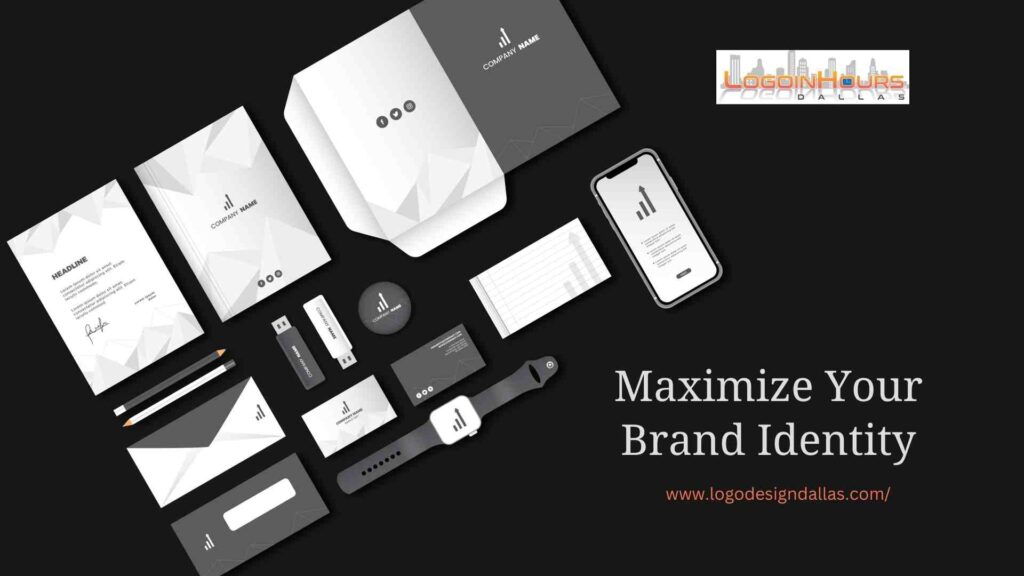
Using a logo effectively means applying it consistently, at the right size and in the right file format, everywhere your brand appears: business cards, websites, banners, brochures, social media, packaging, email signatures and other marketing materials. A well-designed logo should be simple, memorable and scalable, and it should always reflect your brand’s values. Used this way, it builds recognition and recall with your audience.
Business Cards
The right logo size and font for a business card depend on the logo’s design and how much other information the card needs to hold.
- Size: roughly 1 × 1 inch is a good starting point on a standard 3.5 × 2 inch card, adjusted to the logo’s shape.
- Font: the card’s fonts should be consistent with the logo and your other branding, and legible at small sizes.
- Brand identity: the card should match your brand’s personality: sleek and contemporary for a modern brand, classic and timeless for a traditional one.
- Scalability: business cards are small, so the logo must stay recognizable and legible when printed small.
Our business card design service builds cards around your logo.
Websites
On a website, the logo establishes brand identity and connects the site to the company behind it.
- Placement: logos are usually placed in the upper left corner, where the eye naturally starts on a webpage, though some layouts call for a different position.
- Design: the logo should look good on every screen size and resolution, and its colors and typography should complement the site’s design for a cohesive look.
If you need both at once, see our logo and website package.
Banners and Signs
Logos on banners and signs help promote events, products and services. The right size and format depend on the logo, the banner’s dimensions and how it will be used (outdoor advertising, a trade show display and so on).
- File format: PNG, which supports a transparent background, is a common choice for digital banners. For large printed banners and signs, printers usually prefer a vector file (PDF, EPS or SVG) so the logo stays sharp at full size.
- Size: scale the logo to the banner. A large banner needs a proportionally larger logo than a small web banner.
Brochures and Flyers
- Size and placement: the logo should be large enough to recognize but not so large it overwhelms the page. It is often placed at the top of the front page, though other placements can work.
- Design: the logo’s colors and typography should complement the layout, and the file must be high quality and print-ready to avoid pixelation.
Social Media
- Size and format: each platform has its own requirements, so prepare versions accordingly. Profile images are square (and often displayed as a circle), while cover and header images are wide rectangles. Make sure the logo looks good on desktop, tablet and mobile.
- Branding and consistency: use the same colors, typography and style on every platform so your brand is instantly identifiable and looks professional.
A social media branding kit gives you correctly sized, matching graphics for each platform.
Products and Packaging
- Placement and size: logos usually sit in a prominent spot, such as the front or top of the package, sized in proportion to the product so it is recognizable without crowding other design elements. It should be legible from different angles and distances.
- Design and color: the logo should work on different product shapes, sizes and colors, and the files must be print-ready. Consistent use across your product line strengthens recognition.
Email Signatures
- Size and placement: logos are typically placed at the bottom of the signature, aligned with the contact details, sized so they don’t overwhelm the text and stay legible on any device.
- Design and format: a horizontal version that reads well at small sizes works best. Because many email programs don’t display SVG files reliably, a crisp PNG is usually the safest choice. Use the same signature across your team for consistency.
Other Marketing Materials
On any marketing piece, place the logo where it is easily seen, such as the upper left corner or the center, and size it in proportion to the material. It should be visible and legible from different angles and distances.
Get Logo Files for Every Use
Logo Design Dallas delivers final logo files in JPG, PNG, AI, EPS, PSD and PDF, with SVG on request, so you have the right version for each of these uses. A brand identity package extends your logo to business cards, social media and more. For free suggestions on banners, signs or other designs, call (214) 329-9133.
Frequently Asked Questions
Where should a logo go on a website?
Logos are usually placed in the upper left corner of a website, where visitors naturally start reading, though some layouts use a different position.
How big should a logo be on a business card?
Around 1 × 1 inch is a good starting point on a standard 3.5 × 2 inch business card, adjusted to the logo's shape and the other information on the card.
What logo file should I use for a printed banner?
Printers usually prefer a vector file such as PDF, EPS or SVG for large banners and signs, because it stays sharp at any size.
What format is best for a logo in an email signature?
A crisp PNG is usually the safest choice, because many email programs don't display SVG files reliably.